





Mini PC vs Laptop vs SBC — Which One Fits Your Needs Best?
Mini PCs, laptops, and single-board computers (SBCs) all serve as compact computing options—but they’re built for different goals. Understanding their distinctions helps you choose the best tool for your work, study, or hobby project.
Mini PC vs Laptop vs SBC
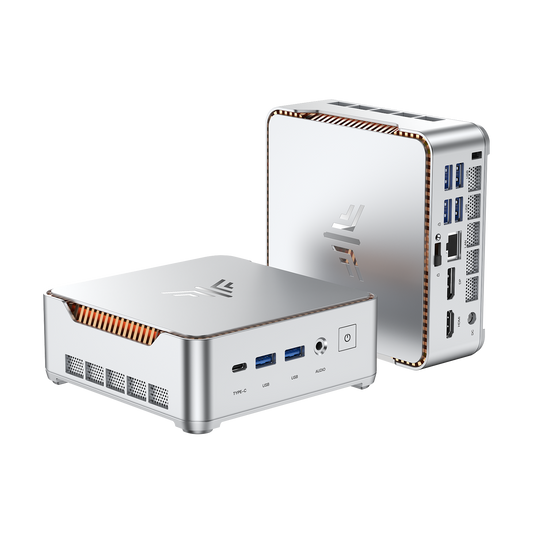
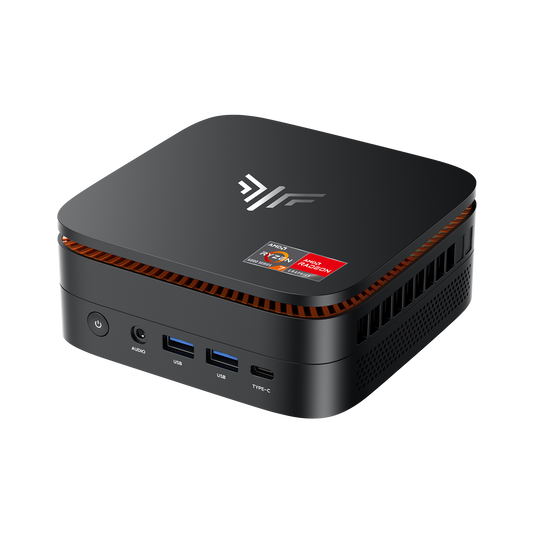
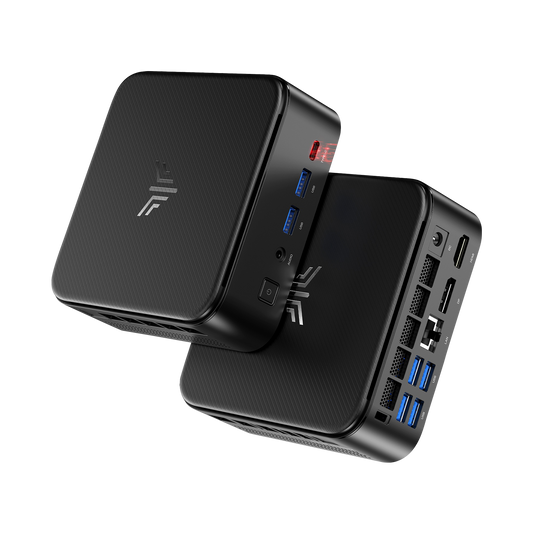
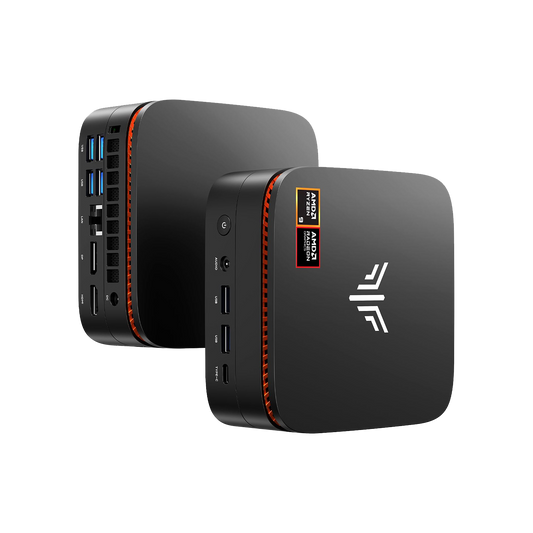
A mini PC is a small desktop-style computer, offering standard PC performance in a condensed case.
A laptop integrates screen, keyboard, and battery into one portable system.
An SBC (like a Raspberry Pi) is a compact circuit board with all components built-in for DIY projects or embedded systems.

Mini PC vs Laptop vs SBC at a Glance
| Feature | Mini PC | Laptop | SBC |
| Size | Small desktop box | Integrated portable unit | Palm-sized board |
| Portability | Limited (needs monitor, power) | High | High (depends on setup) |
| Cost | Moderate | Varies widely | Low |
| Performance | Mid–High | Mid–High | Low–Mid |
| Upgradeable | Often yes | Partially | Rarely |
| Ideal use | Desk setups | On-the-go computing | DIY, IoT, learning |
Performance and Hardware Capabilities
When it comes to performance, each device has clear strengths. Mini PCs often use desktop-grade components, giving them an edge in sustained workloads. Laptops balance performance with battery efficiency, while SBCs focus on simplicity and low power consumption.
Hardware and Capability Comparison
| Feature | Mini PC | Laptop | SBC |
| CPU | Desktop or mobile chips | Mobile (energy-efficient) | ARM-based |
| GPU | Integrated or discrete | Integrated or discrete | Basic (often shared) |
| RAM | 8–64 GB (upgradeable) | 8–32 GB (sometimes upgradeable) | 1–8 GB (fixed) |
| Storage | M.2, SATA, or external | SSD, NVMe, or card slot | MicroSD or eMMC |
| Cooling | Active (fan/heatsink) | Active or passive | Passive (optional heatsink) |
Example workload comparison:
- Office and productivity: All three handle tasks like word processing or email; laptops and mini PCs do so faster.
- Media playback: Mini PCs and laptops manage full HD or 4K playback well; SBCs may struggle with high-bitrate files.
- Light gaming: Mini PCs with discrete GPUs perform best; laptops can handle casual titles, while SBCs are limited to emulation or simpler games.
Portability, Power, and Connectivity
Portability and convenience are key differences. Laptops dominate this area, while mini PCs and SBCs fit fixed or hobbyist setups.
Portability and Connectivity Comparison
| Feature | Mini PC | Laptop | SBC |
| Dimensions | ~12–15 cm width | Foldable, 13–17 inch screen | ~9 cm board |
| Power | Plug‑in only | Battery or AC | USB 5 V input |
| Mobility | Low | High | High (requires monitor) |
| Connectivity | USB, HDMI, Wi‑Fi, Ethernet | USB, HDMI, Wi‑Fi, Ethernet | GPIO, USB, HDMI, Wi‑Fi (optional) |
Mini PCs are compact but not truly mobile—they still need peripherals. Laptops are completely self-contained with built-in power and display. SBCs are extremely portable but rely on external components like screens and storage cards.
Cost, Value, and Use Cases
Price matters as much as performance. Mini PCs are a strong middle-ground choice, laptops cover every price tier, and SBCs remain the most affordable.
Price Range Overview
| Device | Entry Level | Mid Tier | High End |
| Mini PC | $250–$400 | $500–$900 | $1,000+ |
| Laptop | $400–$700 | $800–$1,500 | $1,600+ |
| SBC | $50–$100 | $120–$200 | $200+ (kits) |
Value breakdown:
- Mini PC: Good for office users or those wanting compact desktop performance.
- Laptop: Suited for students, remote workers, and anyone valuing mobility.
- SBC: Ideal for DIY electronics, educational environments, and IoT projects.
Verdict: Which One Should You Buy?
Choosing between them depends entirely on how you work.
Decision Summary
| Use Case | Recommended Device | Why |
| High performance, stationary setup | Mini PC | Strong CPU, upgrade support |
| Frequent travel or mobile work | Laptop | All‑in‑one design, battery power |
| Learning, tinkering, IoT | SBC | Affordable and flexible for experiments |
In short:
- Go for a mini PC if you want a reliable, space-saving workstation.
- Pick a laptop if portability tops your list.
- Choose an SBC if you like to build and customize your tech.
FAQ
Can a mini PC connect to a monitor?
Yes—a mini PC can connect to a monitor just like a desktop: most models include HDMI and/or DisplayPort (and sometimes USB-C with video output), and you simply plug the monitor in and use external peripherals like a keyboard and mouse.
What kills a laptop battery the fastest?
For laptop batteries, the fastest “killers” are heat and aging at high charge levels: consistently running the laptop hot (gaming on your lap or blocking vents), leaving it plugged in at 100% all the time, and doing frequent deep discharges to near 0% can accelerate battery wear, as can using fast charging constantly on some models.
What are the disadvantages of a desktop over a laptop?
Desktops have disadvantages versus laptops mainly around portability and convenience: they take up more space, need separate peripherals (monitor, keyboard, etc.), consume more power, and aren’t usable during outages or while traveling, even though they’re often easier to upgrade and repair.
How many GB of RAM is good for a laptop?
As for RAM, a good baseline for most laptop users today is 16 GB for smooth everyday multitasking, 8 GB is workable for lighter browsing/school tasks, and 32 GB or more is ideal if you do heavy creative work (large photo/video projects), coding with lots of tools open, or virtual machines.